CADPEAK
Build project-wide analysis data
Prepare results across the active project's piping drawings.
Before you start
- An active project with readable, available piping drawings.
- Time for Plant Detective to open and process several drawings.
- Changes saved and normal editing work completed before the batch.
Steps
Build project data
- Open the intended Plant 3D project.
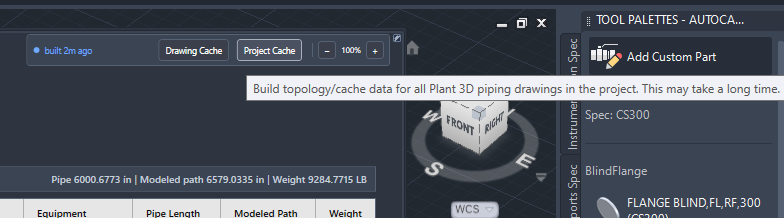
- Click Project Cache.
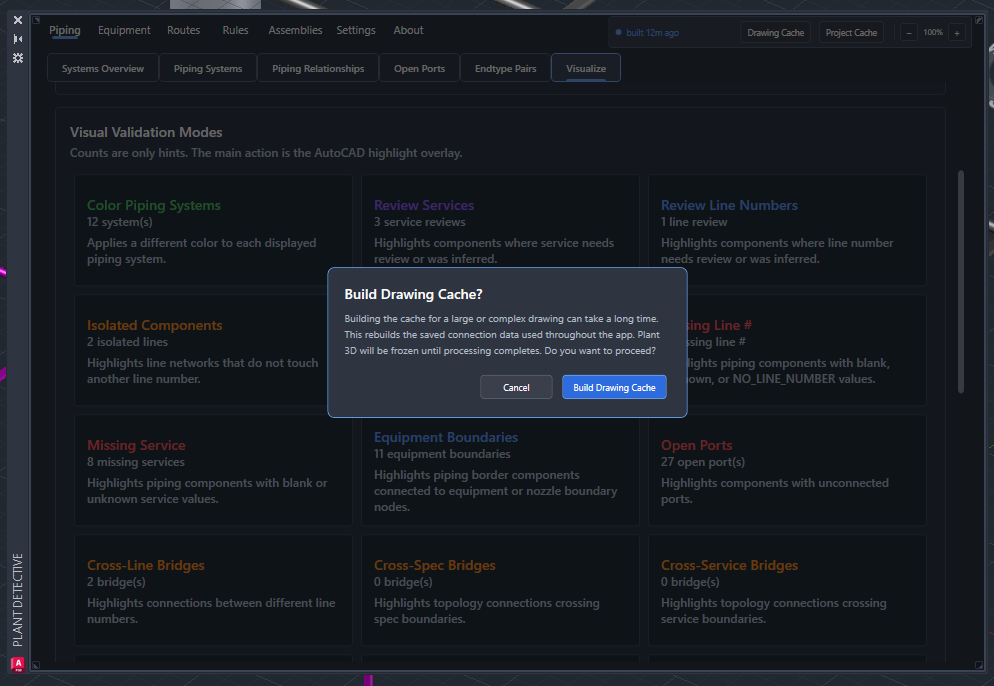
- Read Build Project Cache?. Each piping drawing must be processed; large projects can take considerable time.
- Click Build Project Cache, or Cancel.
- Allow the batch to activate/process its drawings without switching projects or issuing unrelated commands. Wait for final completion and inspect skipped/failed messages.
- Choose Project in the result view's scope selector and refresh its display if needed.
A short delay in a view does not guarantee a queued build has finished. Wait for the AutoCAD completion result before refreshing or relying on saved data.
What to expect
Project views combine the available identity-scoped drawing data. A missing or failed drawing can reduce project coverage even if other drawings were processed successfully.
Important notes
- The batch is not instantaneous background analysis. Wait for its final activity and refresh afterward.
- Do not equate a drawing counted as completed with a guarantee that every extraction stage succeeded.
- Unavailable references, missing files, and unreadable objects require model or access review.
- Keep drawings with duplicate filenames distinguishable by project location; verify external connections in the source models.
Screenshots