CADPEAK
Choose Drawing or Project scope
Choose the analysis boundary and verify the source drawing behind a result.
Before you start
- Drawing caches built for the data you need.
Steps
Choose scope deliberately
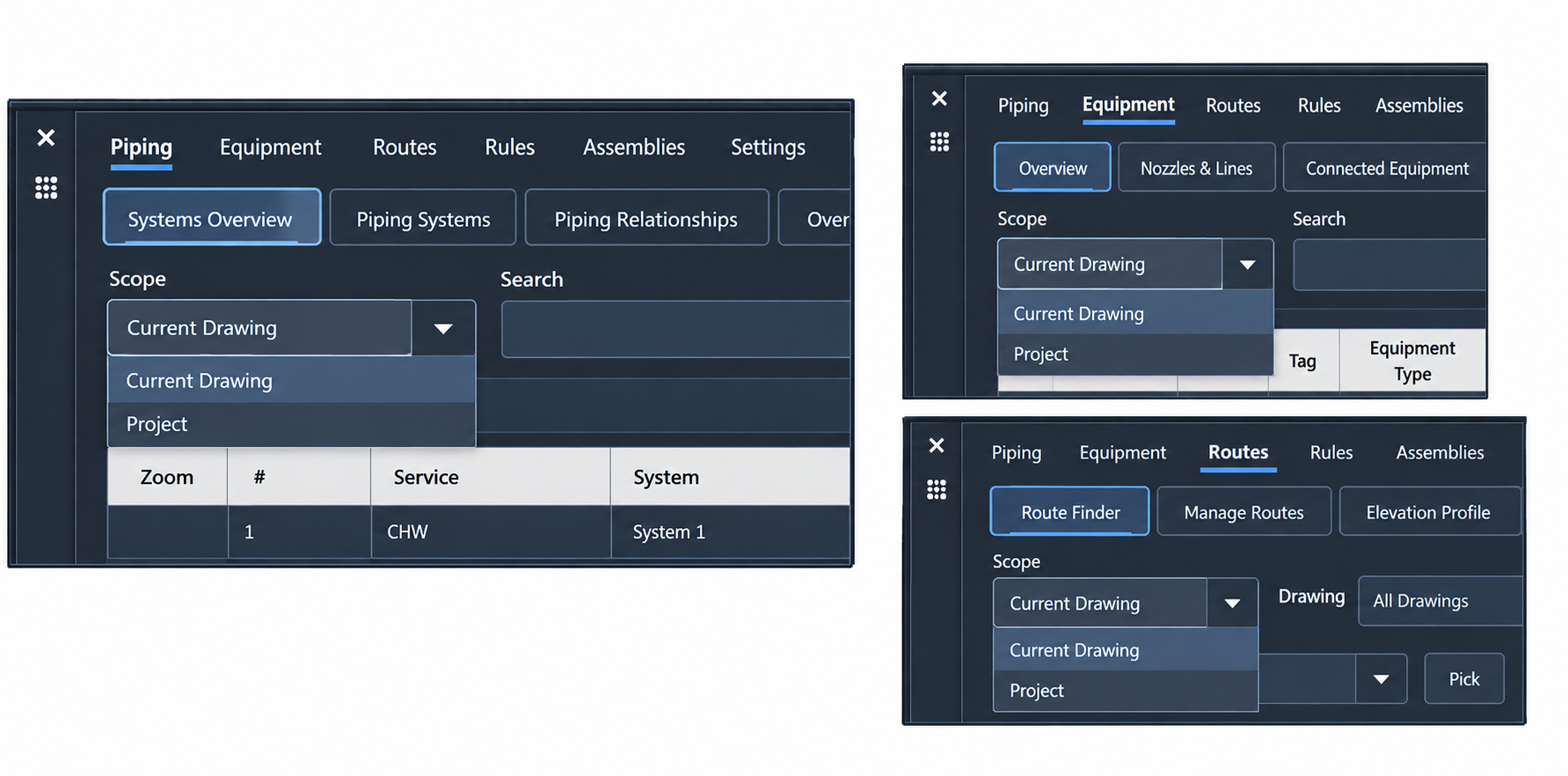
Current Drawing or Drawing refers to the active drawing. Project uses saved results from project drawings. Read the Drawing column before acting on a project row.
Project results can include objects in drawings that are closed or not loaded as Xrefs. Selection/isolation generally apply to selectable objects in the active drawing. Some zoom and highlight actions also support loaded Xrefs. Use component-opening controls where provided and read status messages for unavailable targets. Project scope does not make every project object selectable in the host drawing.
Make a scope choice
- In Piping → Systems Overview, choose Current Drawing or Project.
- In Rules → 3. Drawing Rules, the labels are Drawing and Project.
- Read Drawing and source information before selection/zoom/isolation.
- If the source is unavailable, load/open it through the offered drawing-aware controls rather than selecting a similarly named object elsewhere.
What to expect
The scope changes the analytical source. Different views offer different selectors; not every workspace exposes identical scope choices.
Important notes
- Project scope does not mean all project files were read successfully. Review coverage and build messages.
- The persistent SQLite/SQL Server choice is independent of scope.
- Object handles and drawing names are not globally unique. Copied drawings can reuse both.
- If a row appears to belong to another drawing, stop the action and refresh or open the correct source drawing.
Screenshots